Why Clean Product Backgrounds Matter
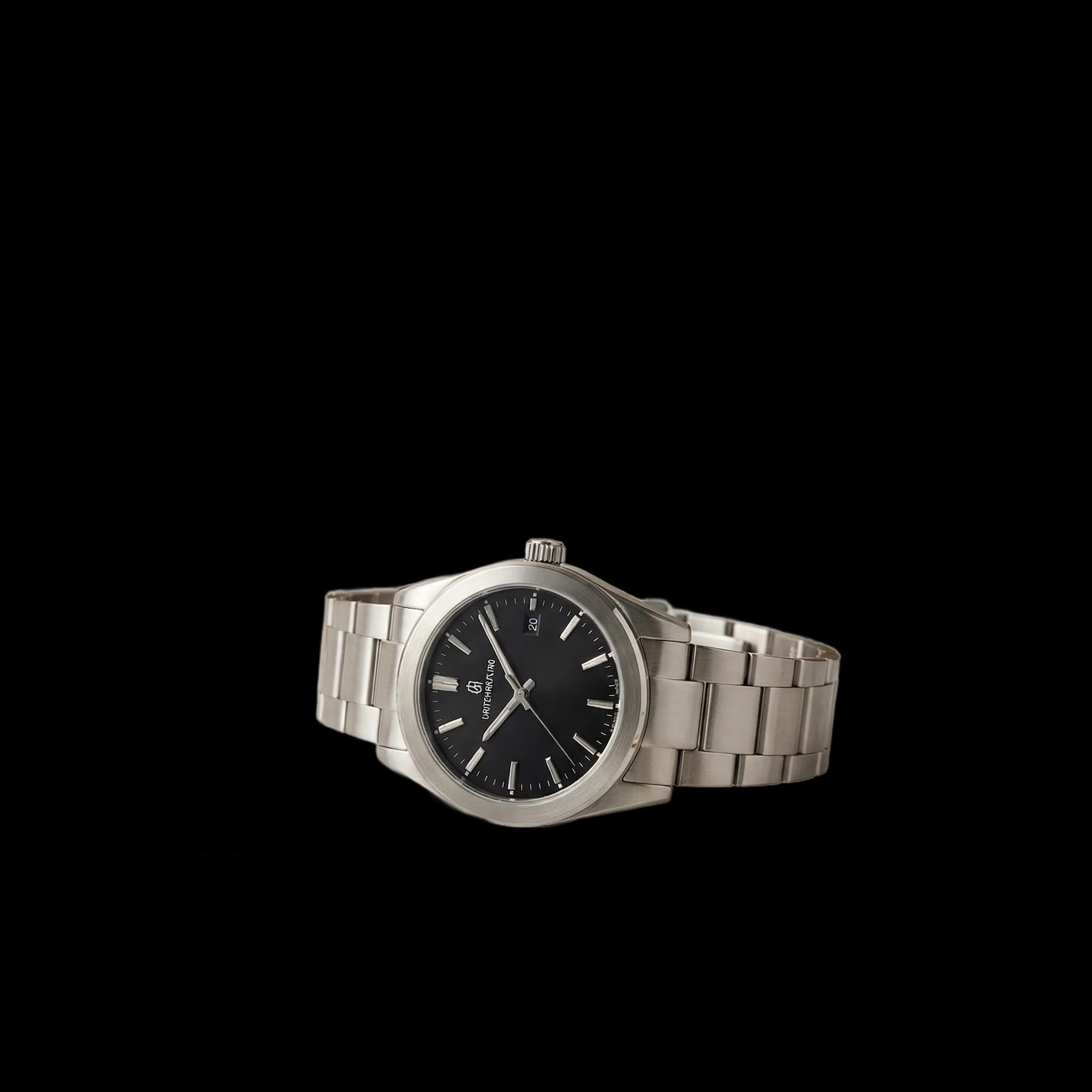
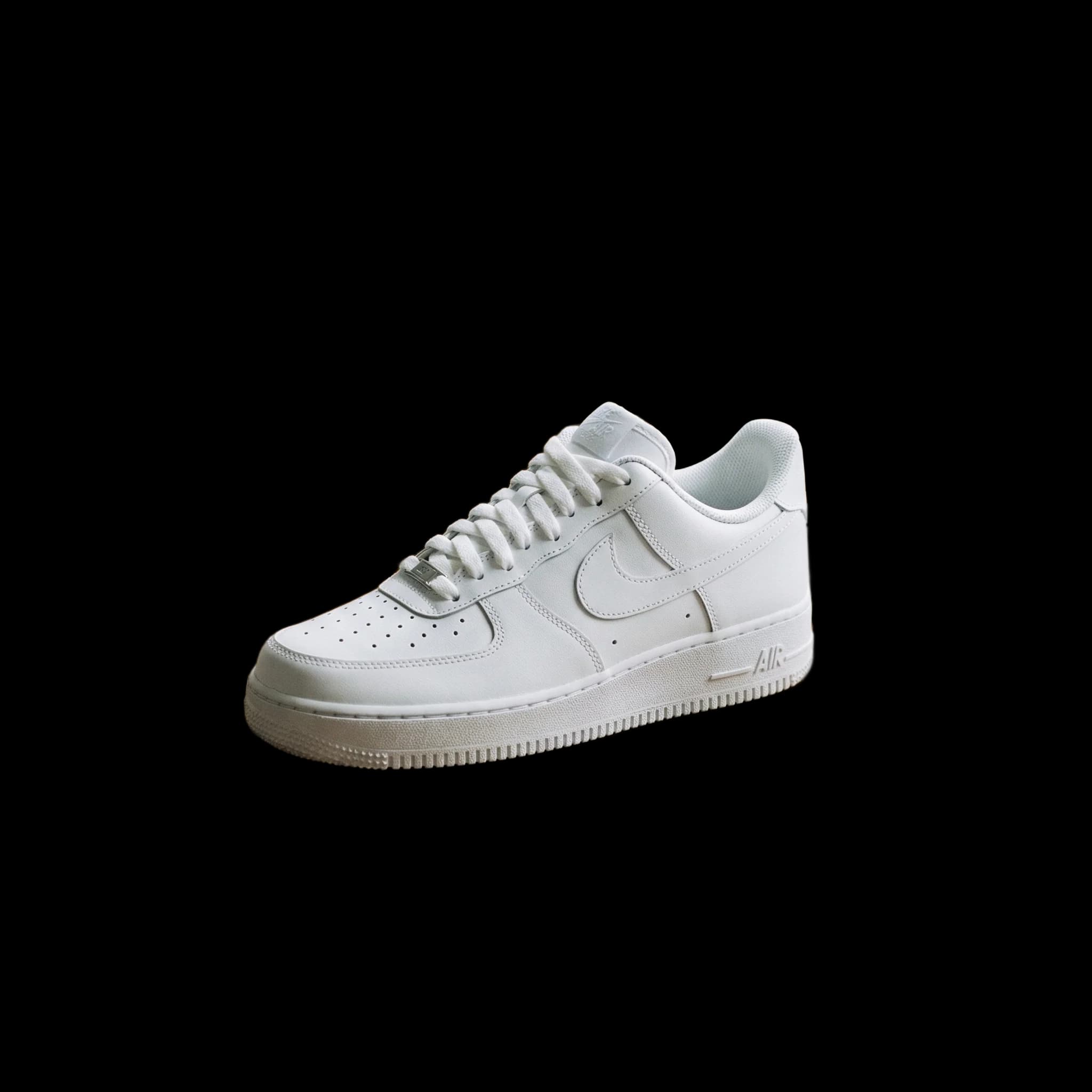
When selling products online, your photos are everything. Amazon requires a pure white background for main listing images, and studies show that clean, professional product photos can increase conversion rates by up to 30%.
But hiring a photographer or learning Photoshop isn't always practical. That's where AI-powered background removal comes in.
What You'll Need
- Your product photos (smartphone photos work fine!)
- A background removal tool (we'll use ClearBG for this guide)
- 5 minutes per photo
Step-by-Step Guide
Step 1: Take Your Product Photo
Before removing the background, start with a decent photo:
- Use natural light - near a window works great
- Keep the product in focus - tap to focus on your phone
- Use a contrasting background - makes removal easier
- Take multiple angles - you'll want 5-7 images per listing
Step 2: Upload to ClearBG
- Go to clearbg.app
- Drag and drop your product photo, or click to browse
- The AI will process your image in seconds
Step 3: Download Your Clean Image
Once processed, you'll have a transparent PNG. For Amazon/eBay:
- Download the PNG with transparent background
- Open in any image editor (even Preview on Mac or Photos on Windows)
- Add a white background layer
- Export as JPG
Tips for Best Results
- Higher resolution = better results - use at least 1000x1000 pixels
- Good lighting reduces shadows - which can confuse AI
- Simple backgrounds work best - solid colors > busy patterns
- Check edges carefully - zoom in to verify clean cutouts
Common Issues & Solutions
Problem: Some product edges look rough or jagged
Solution: Try a higher resolution source image, or adjust lighting to increase contrast between product and background
Problem: Transparent parts of the product (like glass) aren't detected
Solution: This is tricky for any AI tool. Consider photographing on a white background from the start for transparent products.
Problem: Shadows are being removed with the background
Solution: That's usually what you want for Amazon! If you need shadows, add them back in post-processing.
Platform-Specific Requirements
Amazon
- Main image: Pure white background (RGB 255,255,255)
- Product must fill 85% of frame
- No props, text, or logos
- Minimum 1000px on longest side
eBay
- Similar to Amazon but more flexible
- White or light gray backgrounds preferred
- Can include props in additional images
Etsy
- More creative freedom
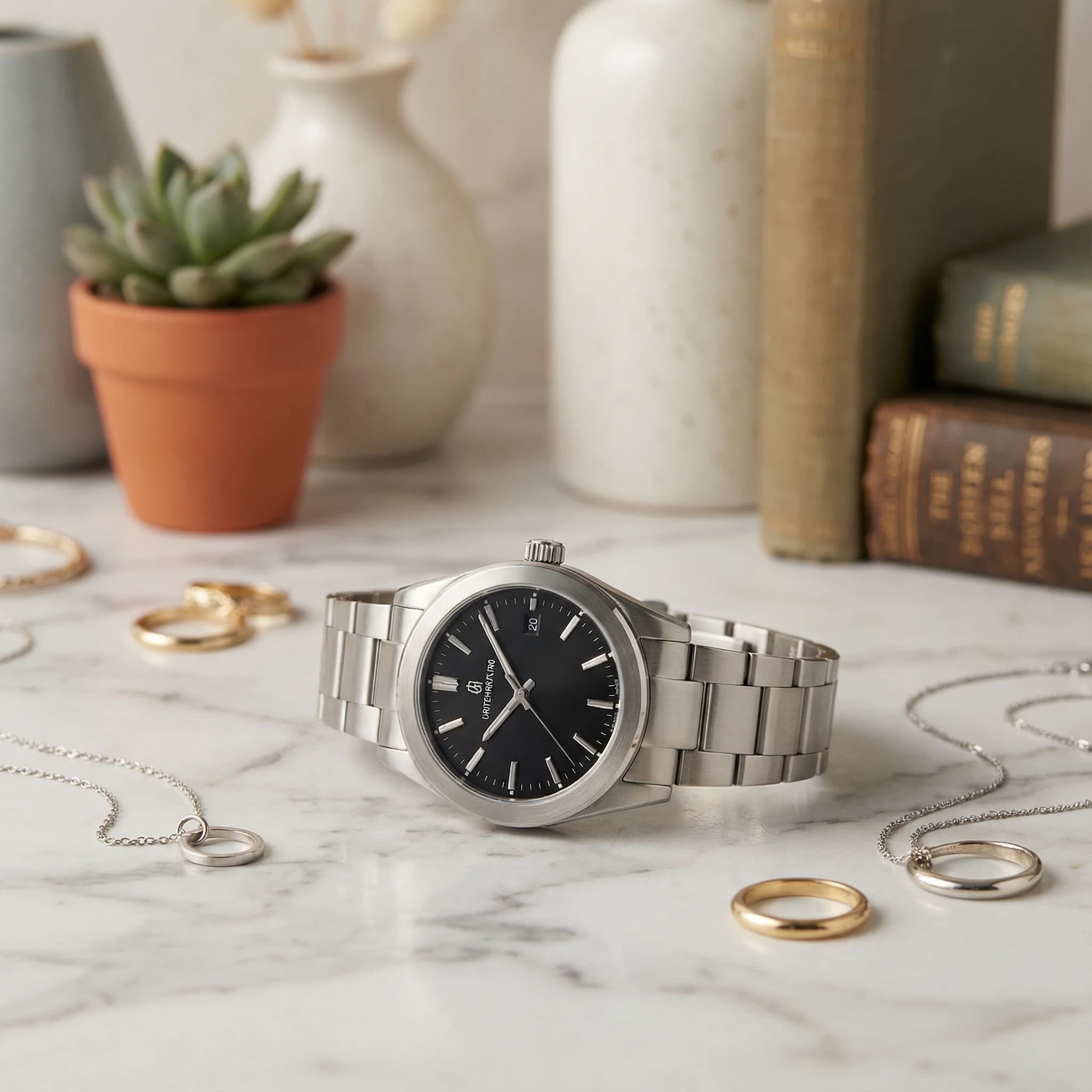
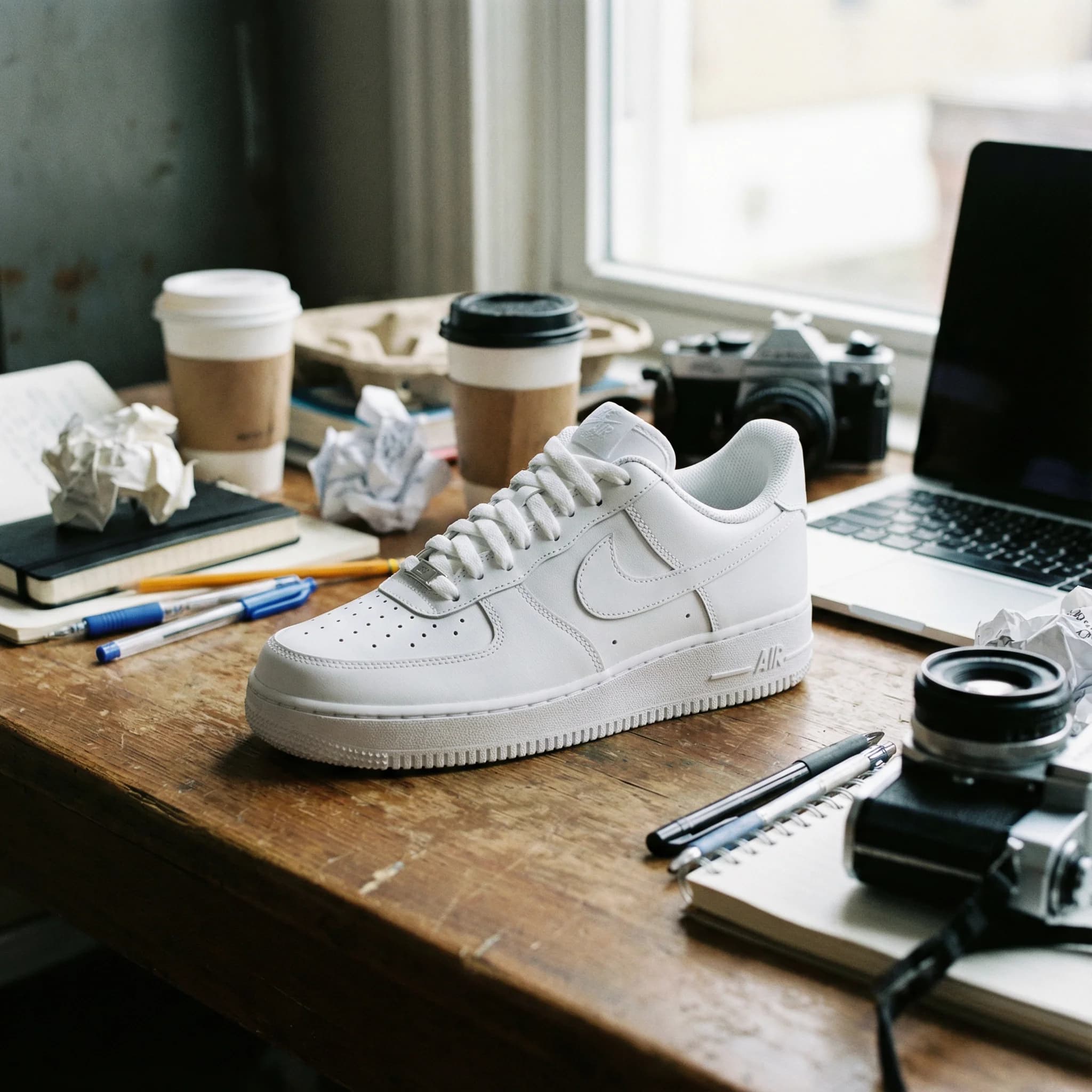
- Lifestyle shots encouraged
- But clean product shots still convert well
Conclusion
Professional product photos don't require a professional setup. With AI background removal, you can turn smartphone photos into Amazon-ready listings in minutes.
The key is starting with decent source photos (good lighting, in focus) and using a reliable background removal tool that handles the tedious masking work for you.